How to Send Digital Invitations on WhatsApp, Email & Instagram
The right image size, file format and message to send with a digital invitation on WhatsApp, email and Instagram, so it looks sharp and guests actually reply.
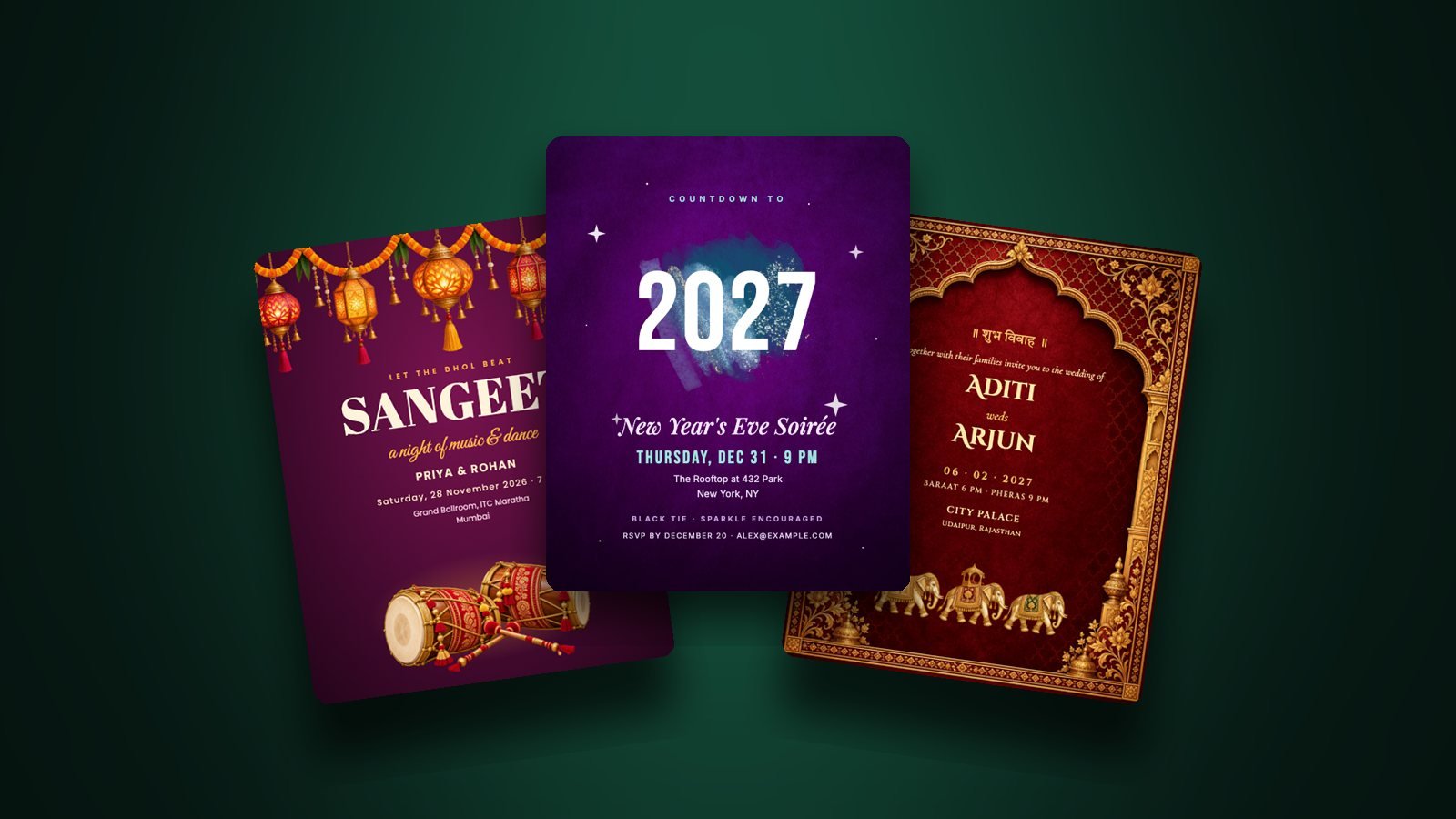
Most invitations today never touch paper. They arrive as an image on WhatsApp, in an inbox or on Instagram. A few small choices make the difference between an invite that looks premium and one that looks blurry and gets ignored.
Choose the right size and format
- Shape: portrait 4:5 (1080 × 1350 px) fills a phone screen on WhatsApp and Instagram without awkward cropping.
- PNG keeps text and fine details razor-sharp. Use it for Instagram and printing.
- JPG is smaller and sends faster on WhatsApp and email. Choose it for big guest lists.
Free and purchased InviteMatic designs download at 2× resolution, so they stay crisp even when guests zoom in.
WhatsApp: send it as a document for full quality
WhatsApp compresses photos. To keep your invitation sharp:
- Tap the attach icon and choose Document instead of Photo.
- Select your invitation image.
- Send a short text message right after it (see below).
Sending as a photo is fine for quick reminders; sending as a document is better for the main invite.
The message to send with your invitation
The image grabs attention; the message does the work. Include:
"Hi Priya! We'd love you at our Sangeet on Saturday, 28 November at 7 PM. Venue: ITC Maratha, Mumbai, [map link]. Please let us know by 15 Nov if you can make it. 💃"
- A map link: guests tap it on the day
- An RSVP date: with a name to reply to
- The guest's name: a personal touch gets far more replies than a broadcast
Attach the image and paste the key details as text in the email body. Text is searchable, readable on any device, and survives if images are blocked. Put the date in the subject line: "You're invited: Diwali Night, Sat 7 Nov".
Post the invitation to your story with a link sticker for RSVPs, or share it to Close Friends for private events. Keep a highlight for wedding functions so guests can find details later.
Reminders
Send a short reminder two days before the event with the time and map link. It's the single easiest way to reduce no-shows.
Ready to make yours? Browse designs and download a share-ready invitation in minutes.